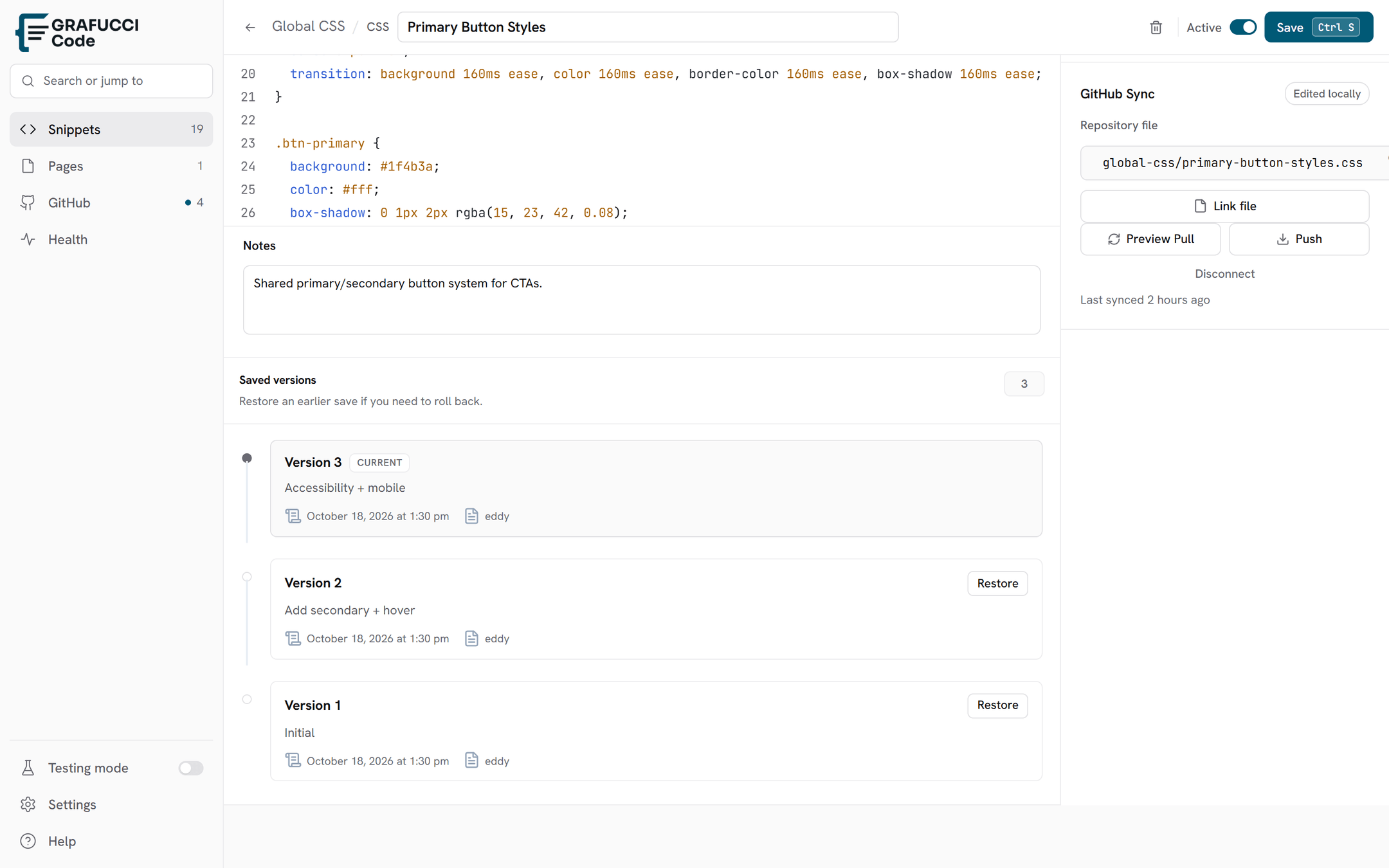

Version history
Grafucci Code stores snapshots when code changes so you can compare and restore older versions.
Limits
- Free: 1 saved version per snippet — restore the latest snapshot.
- Pro: up to 50 versions per snippet.
- Open version history
From the snippet editor, open the history panel for that snippet.
- Review snapshots
Each save with code changes can create a snapshot with a timestamp.
- Restore
Restore an older version to replace the current editor content. Save again to make the restore permanent.