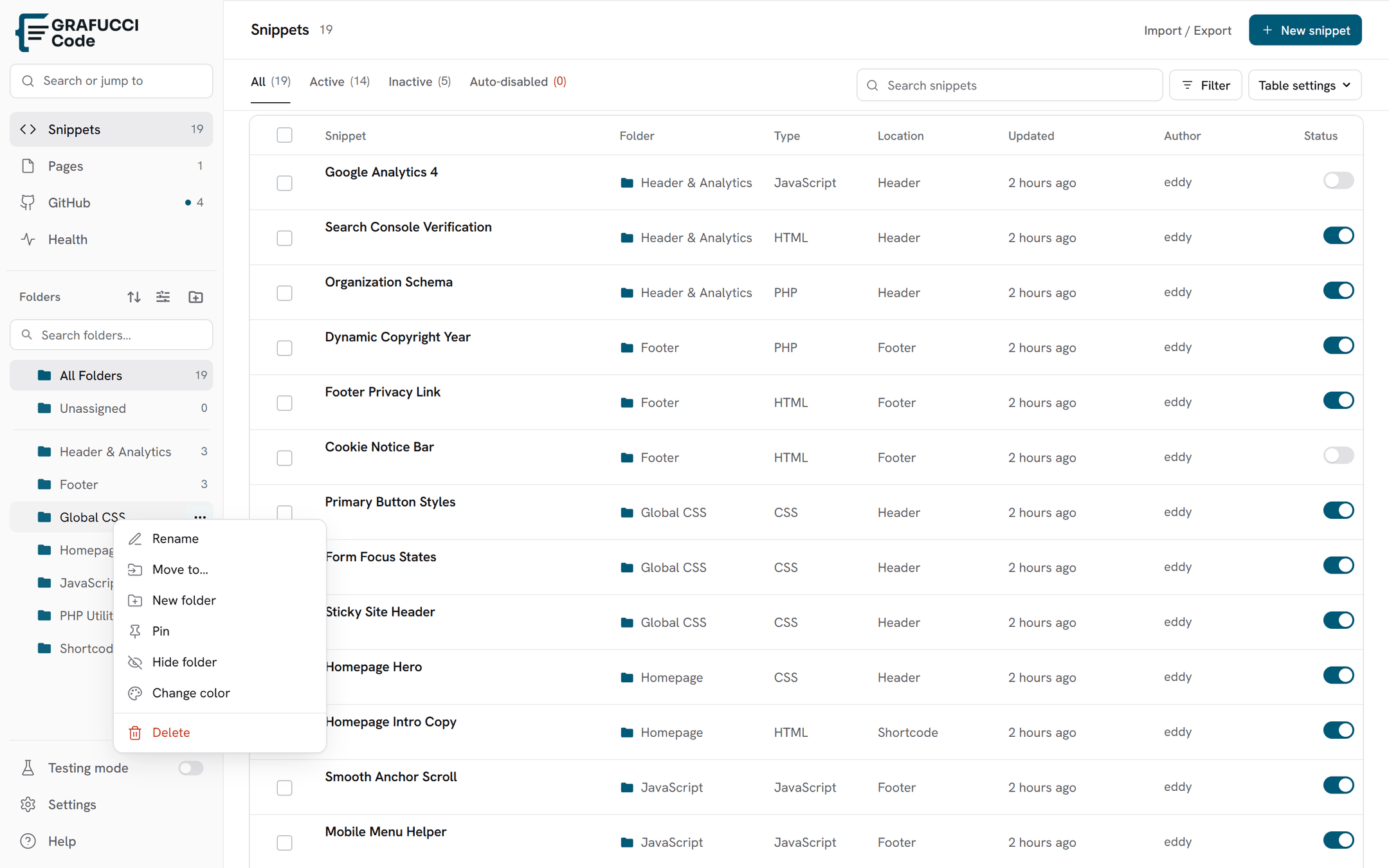

Folders & organization
Folders group snippets by client, site area, or feature. They live in the Snippets sidebar. There is no separate Folders screen.
- Create a folder
Add a folder from the sidebar, or right-click a folder and choose a child folder.
- Right-click for options
Rename, add a child folder, pin, set a color, or delete. Pinned folders stay at the top of their sibling group.
- Unassigned
Open Unassigned to list snippets that have no folder.
- Move snippets
Drag a snippet from the table onto a folder, or set the folder in the snippet editor.