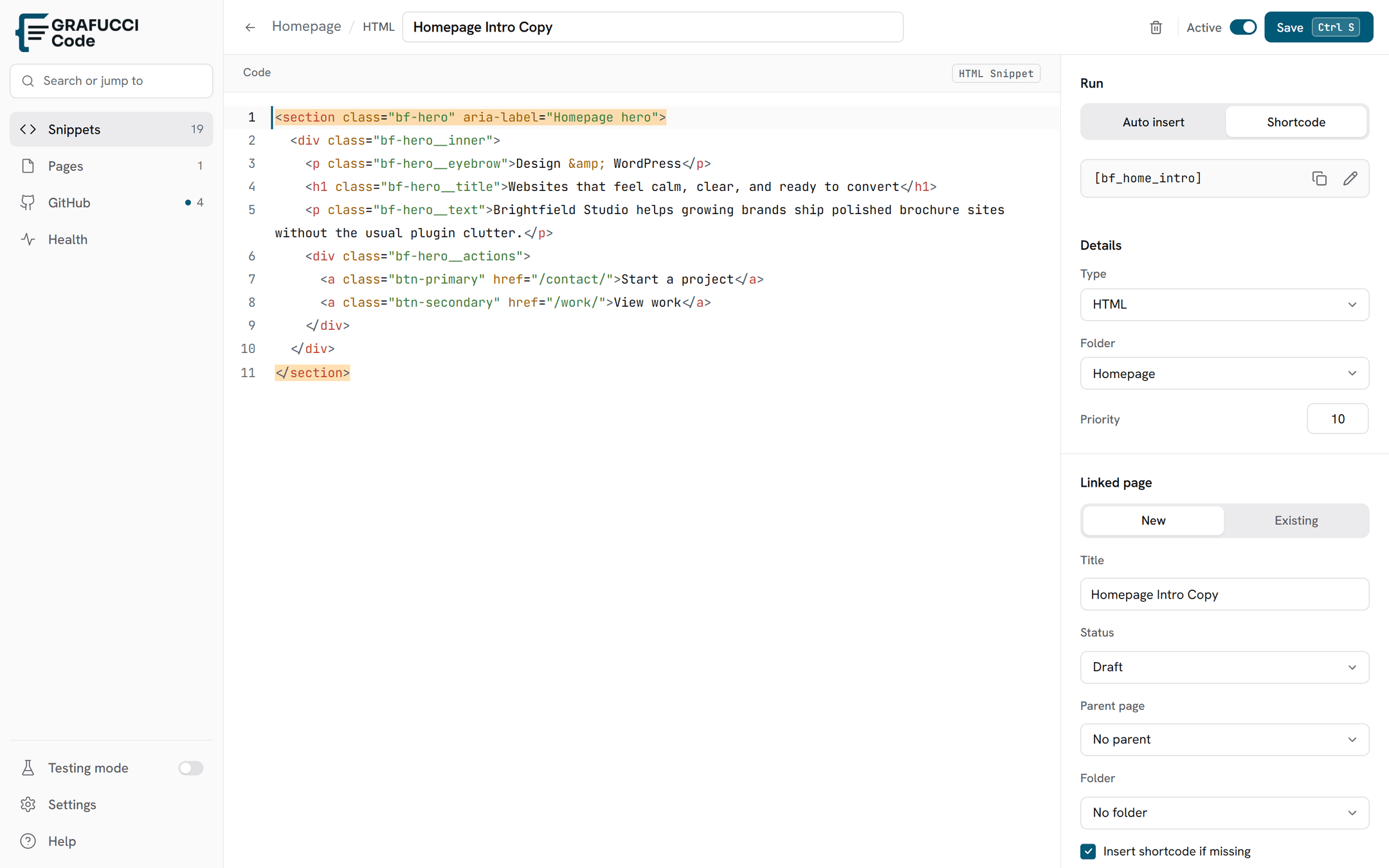

Create a new generated page
Create a fresh WordPress page and wire it to Grafucci Code from the Generated Pages screen.
- Open Generated Pages
Go to Grafucci Code → Generated Pages.
- Choose Create new
Use the Create new tab.
- Set title and slug
Pick a page title and URL slug. The page is created in WordPress when you publish the mapping.
- Publish
Connect the snippet and publish when the page is ready. Optionally auto-insert the shortcode into page content.