
Snippets
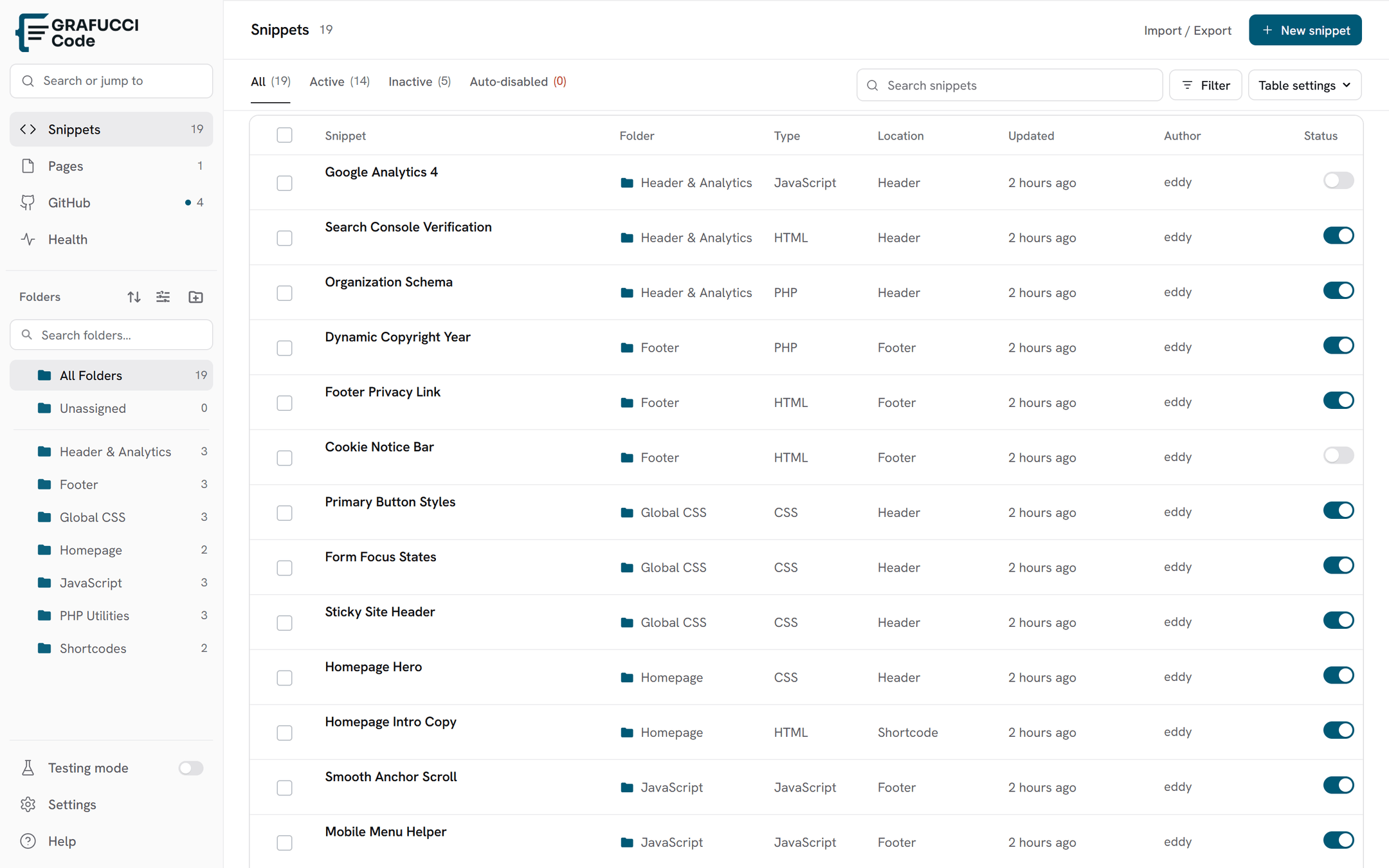
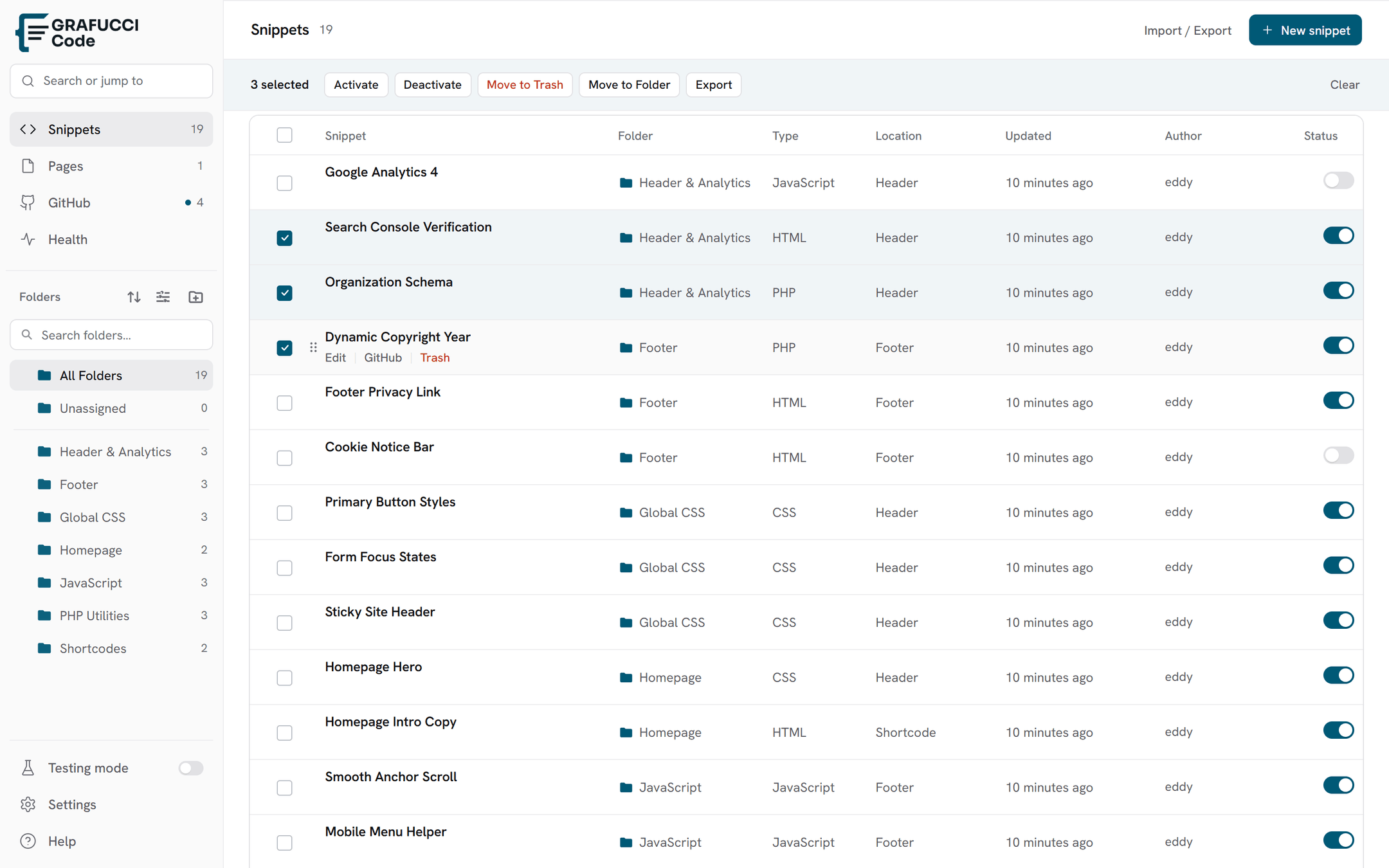
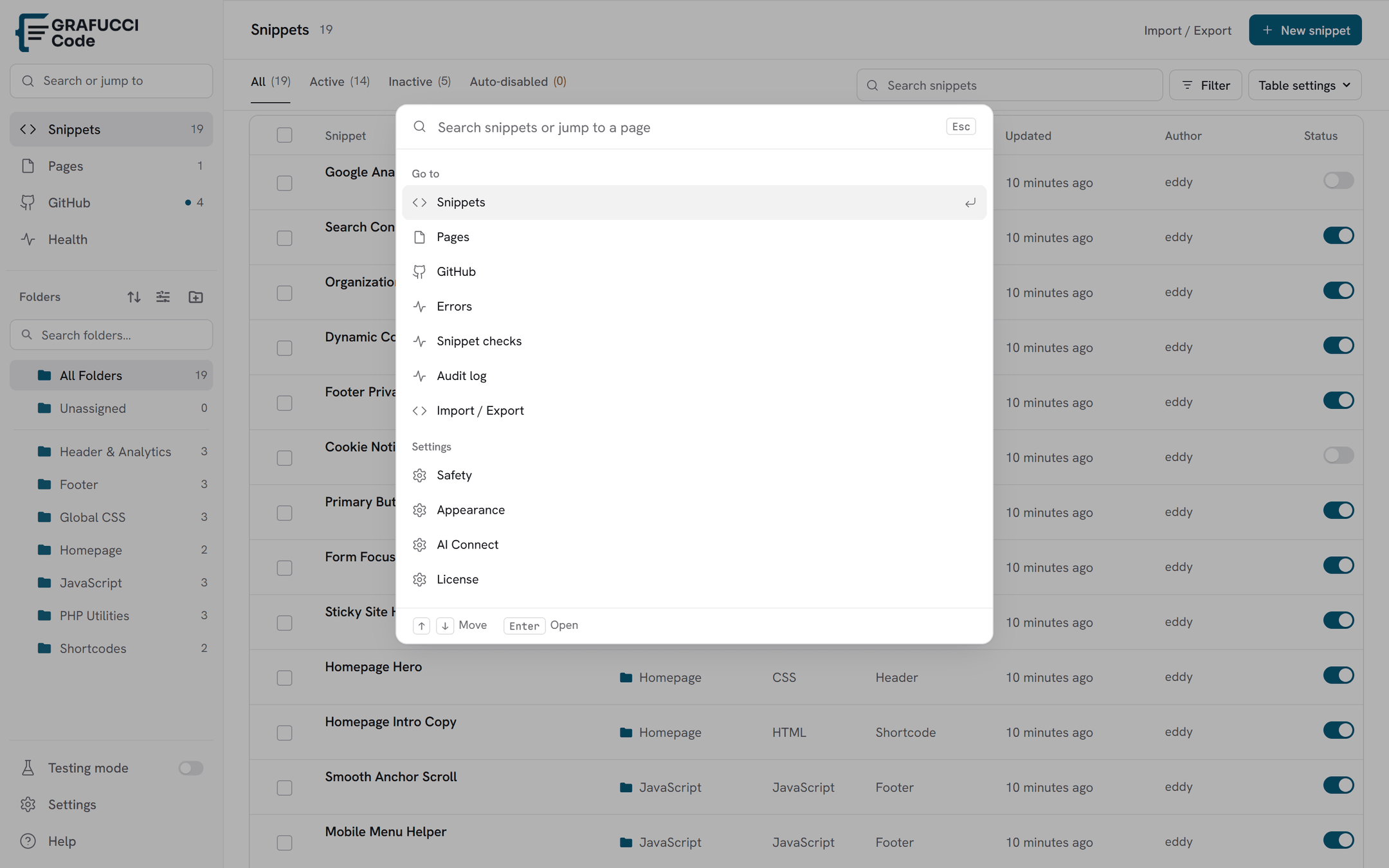
Snippets is the library. Folders sit on the left, filters sit above the table, and each row is one snippet.
What you see
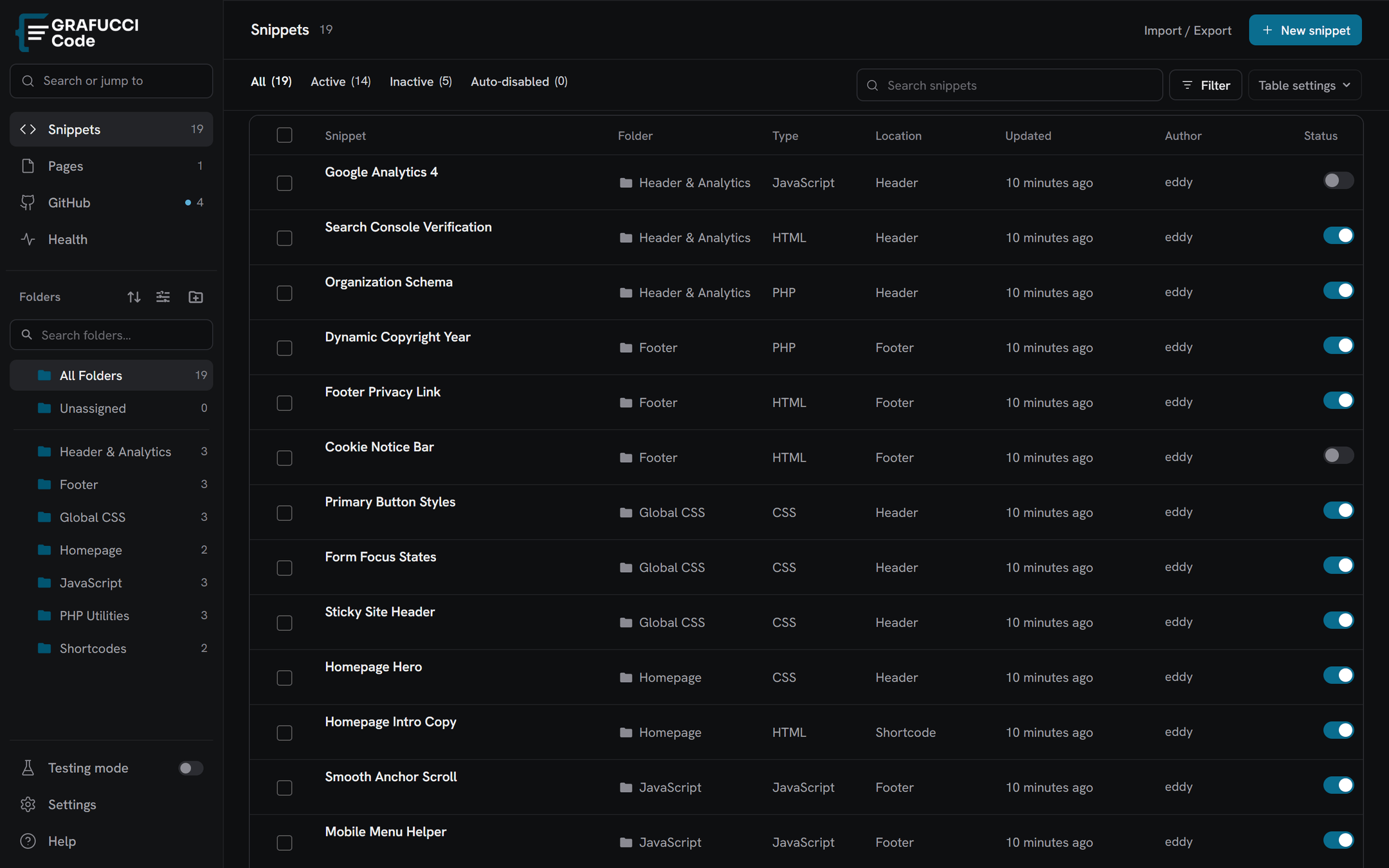
- The Grafucci Code logo in the header, including a dark-mode version
- Folder sidebar with All, Unassigned, and your folders
- Right-click a folder to rename it, add a child folder, pin it, set a color, or delete it
- Pinned folders stay at the top of their group
- Search plus status, type, location, and GitHub filters
- Add snippet opens a picker: code type, Auto insert or Shortcode, then where it runs
- GitHub status in the header when Pro is active