

PHP execution
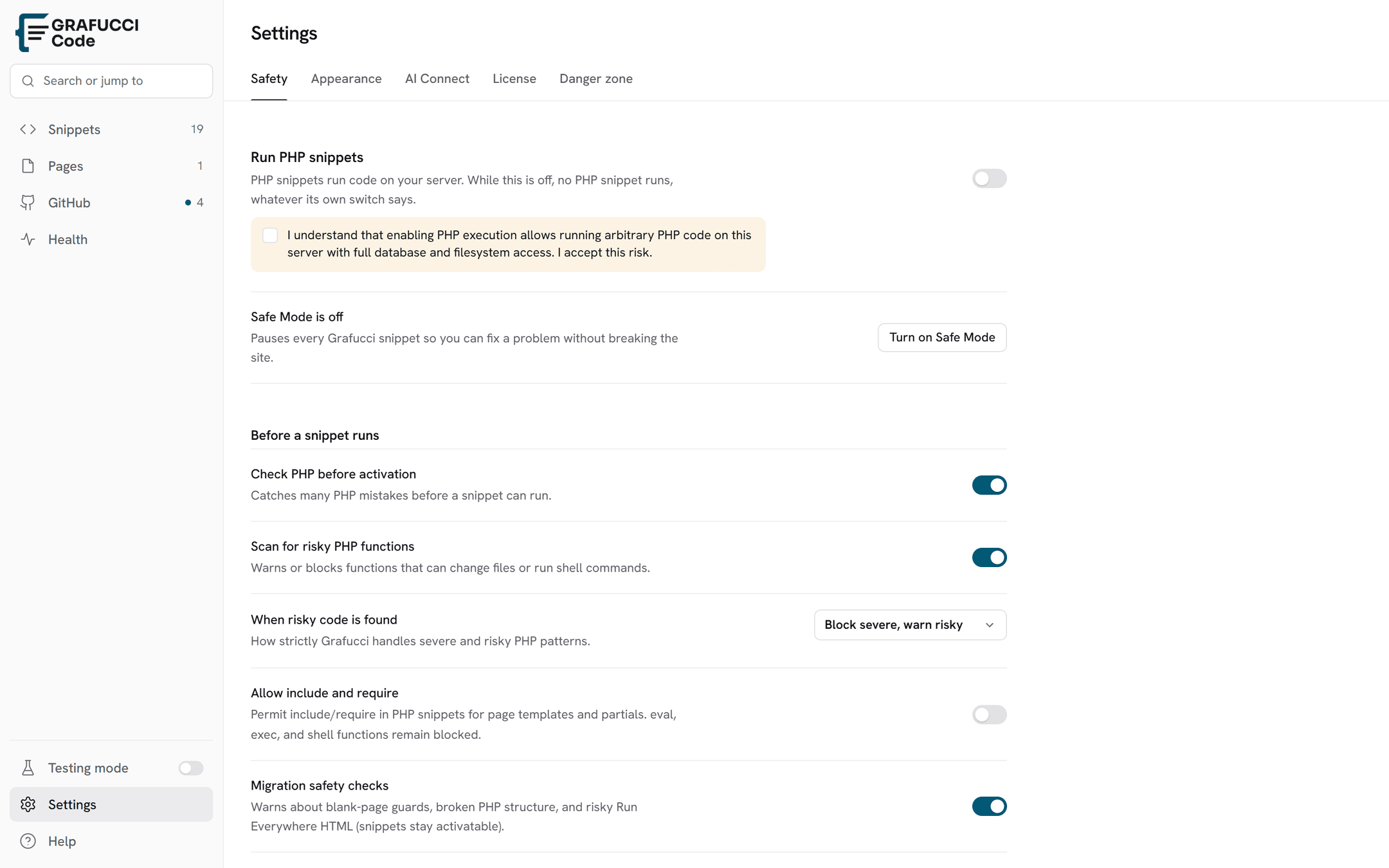
PHP snippets are disabled globally on fresh installs until you explicitly allow execution — a deliberate safety default.
- Global setting
Enable Enable PHP Snippet Execution in Settings → Safety when you are ready to run PHP snippets on the frontend.
- One-time confirmation
The first time you turn PHP execution on, you must check a confirmation box acknowledging that PHP runs server-side. There is no per-snippet confirmation dialog after that.
- Activation checks
Syntax checks and dangerous-function scanning still run when you activate a PHP snippet. Runtime errors are logged; critical failures may trigger Safe Mode.
Warning
- PHP snippets are not sandboxed. Only trusted administrators with
manage_optionsshould manage snippets. - Test on staging and keep Safe Mode available before enabling PHP on production.