

GitHub Sync setup
Pro feature. Open Grafucci Code → GitHub Sync to connect a repository and sync snippet files on your schedule.
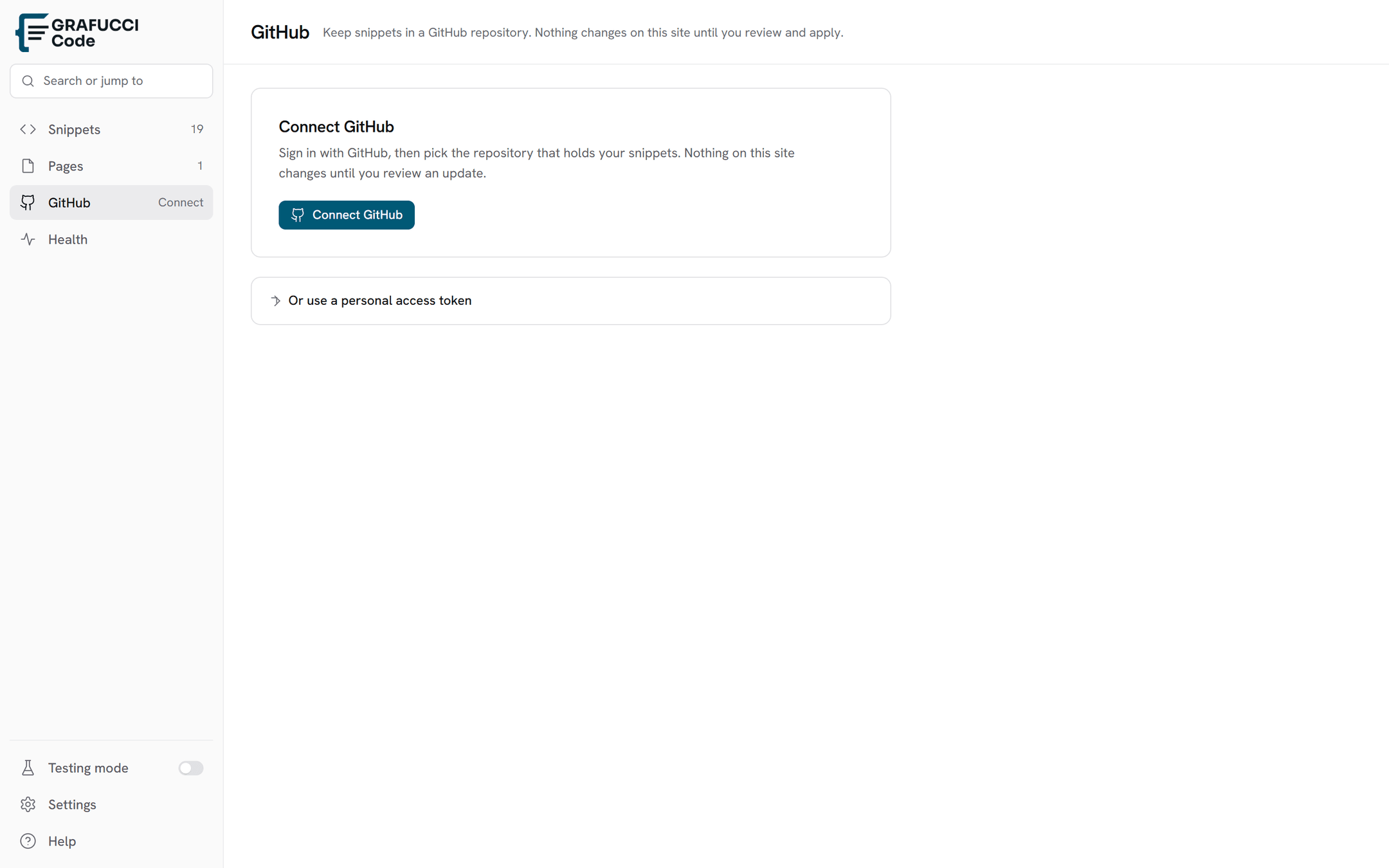
- Connect GitHub (OAuth)
Click Connect GitHub on the GitHub Sync screen. Complete the OAuth Device Flow in your browser — no token copy-paste required for most setups.
- Or use a personal access token (fallback)
Under Or use a personal access token, paste a fine-grained token limited to the target repository if OAuth is unavailable on your host.
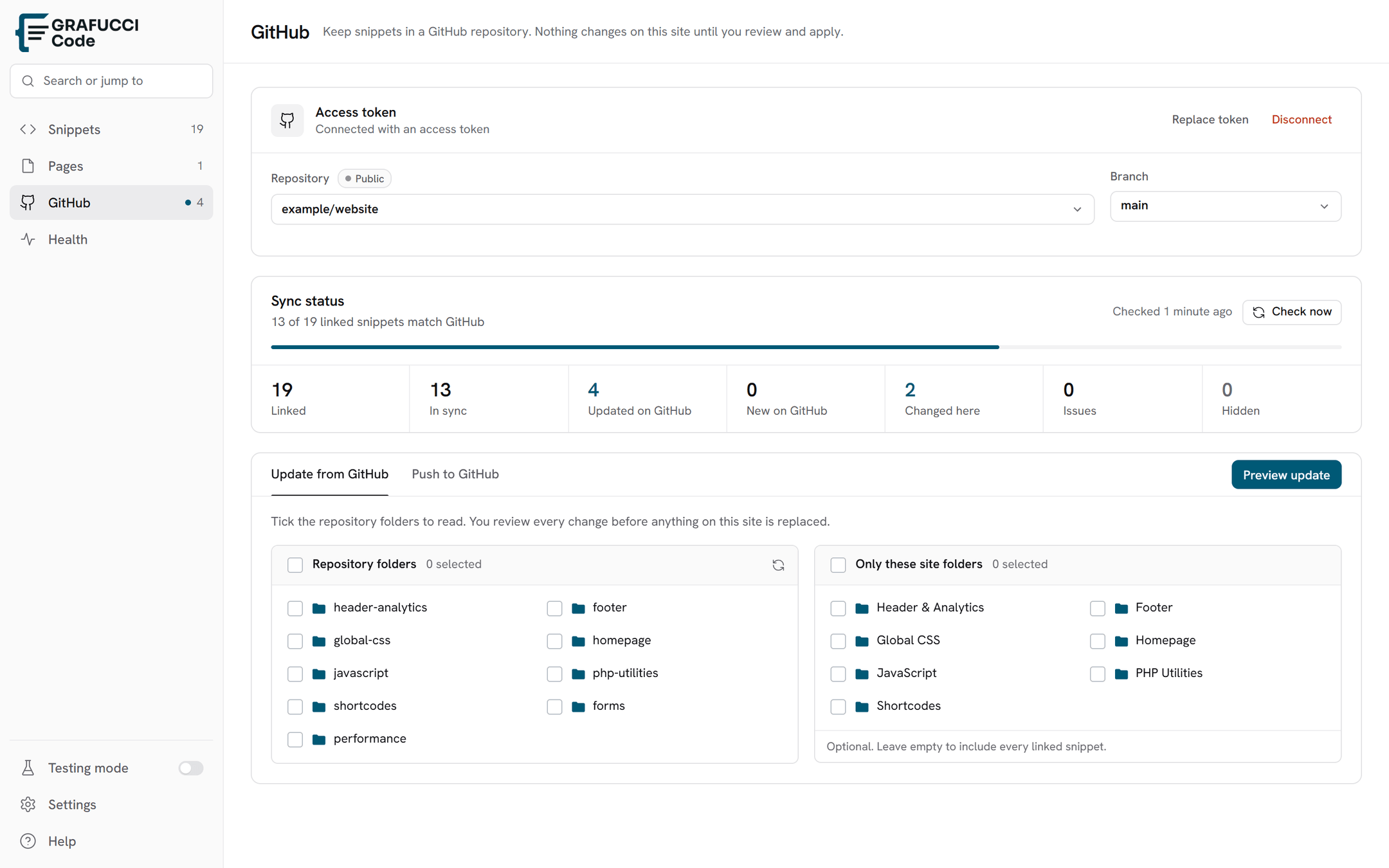
- Select repository and branch
Choose owner/repo and branch. Tokens are stored encrypted in your WordPress database.
- Choose folders, then update
Tick GitHub folders to scan and WordPress folders to limit the update. Update from GitHub opens a review before anything is applied. Hidden files stay out of that update until you restore them.
- Link snippets to files
From the snippet editor, GitHub Sync is the first sidebar card. Link a file, or import new files from the review screen.
- Never commit tokens to the repository. Store them only through Grafucci Code.