

Multilingual with Polylang
One snippet. Same shortcode on every language page. With Polylang (2+ languages), Grafucci Code shows one page picker per language.
Shortcode
- Add New → Shortcode → Save
Create the snippet once. Set execution to Shortcode and save before connecting pages.
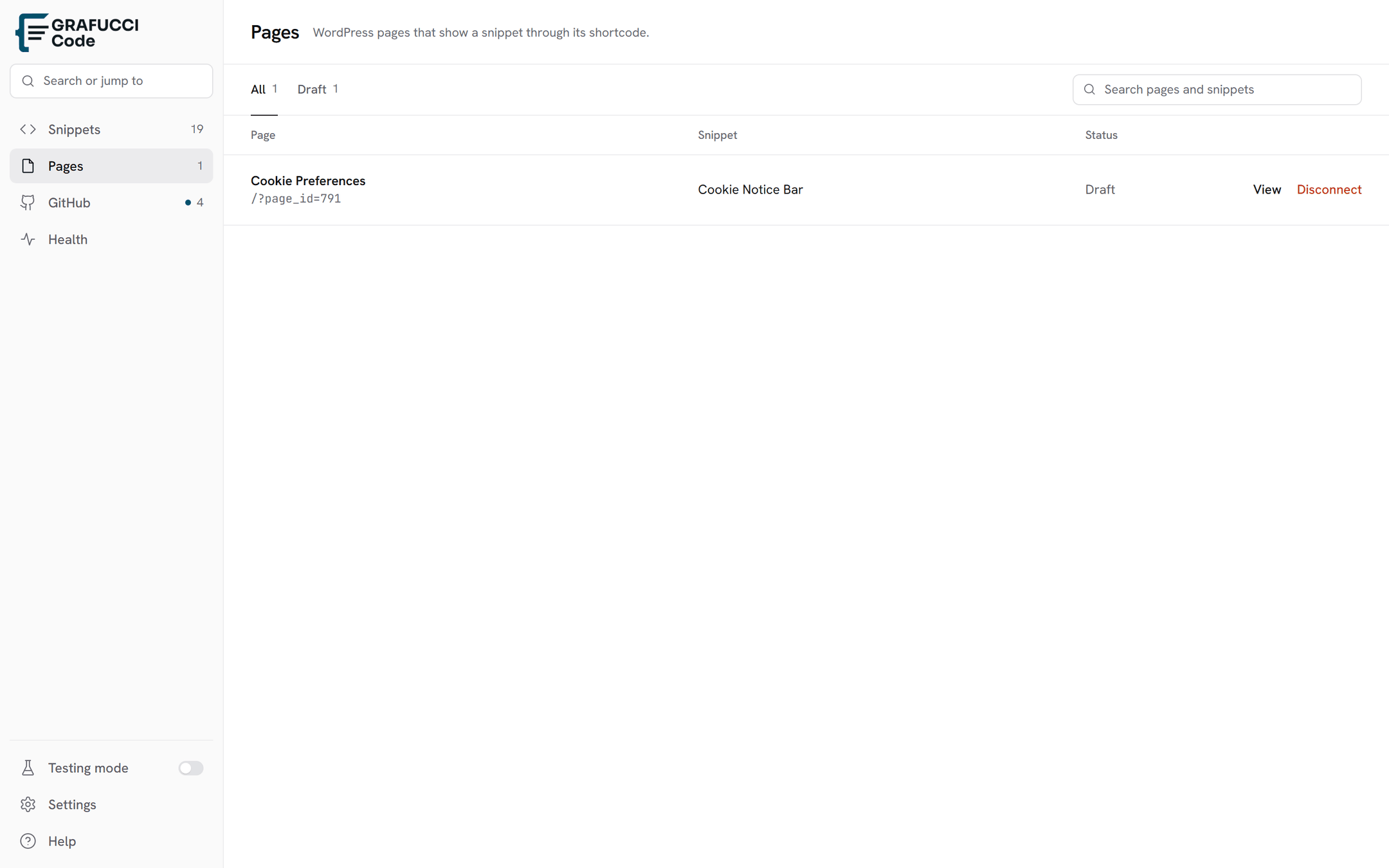
- Page sidebar → New or Existing
New: enter a title per language, then Create pages. Existing: pick the English and Arabic pages (one picker per language), then Connect.
- Keep Insert shortcode on
Grafucci Code inserts
[grafucci_snippet id="…"]into each connected page so the same snippet runs on every translation.
Auto insert
Use auto insert when the snippet should load globally — for example in the header or footer — without placing a shortcode in page content.
- Run everywhere (or header/footer)
Pick the location that matches where the snippet should output.
- More page options → Only on / Skip on
When Polylang is active, Grafucci Code shows one dropdown per language (flag + language name). Limit or exclude pages per translation instead of one global list.
Sample PHP
Read the current Polylang language inside the snippet and branch labels or markup:
<?php
$lang = function_exists( 'pll_current_language' ) ? pll_current_language() : 'en';
$labels = array(
  'en' => array( 'title' => 'Contact Us', 'send' => 'Send message' ),
  'ar' => array( 'title' => 'اتصل بنا', 'send' => 'إرسال' ),
);
$t = $labels[ $lang ] ?? $labels['en'];
?>
<h2><?php echo esc_html( $t['title'] ); ?></h2>- Connect every translation you need in the Page sidebar — Grafucci Code does not create Polylang pairs for you.
- Fallback to
enwhen Polylang is inactive so the snippet still works on single-language sites.