
Import & export
Pro feature. Back up and move snippet libraries between sites from Tools.
-
Open Tools
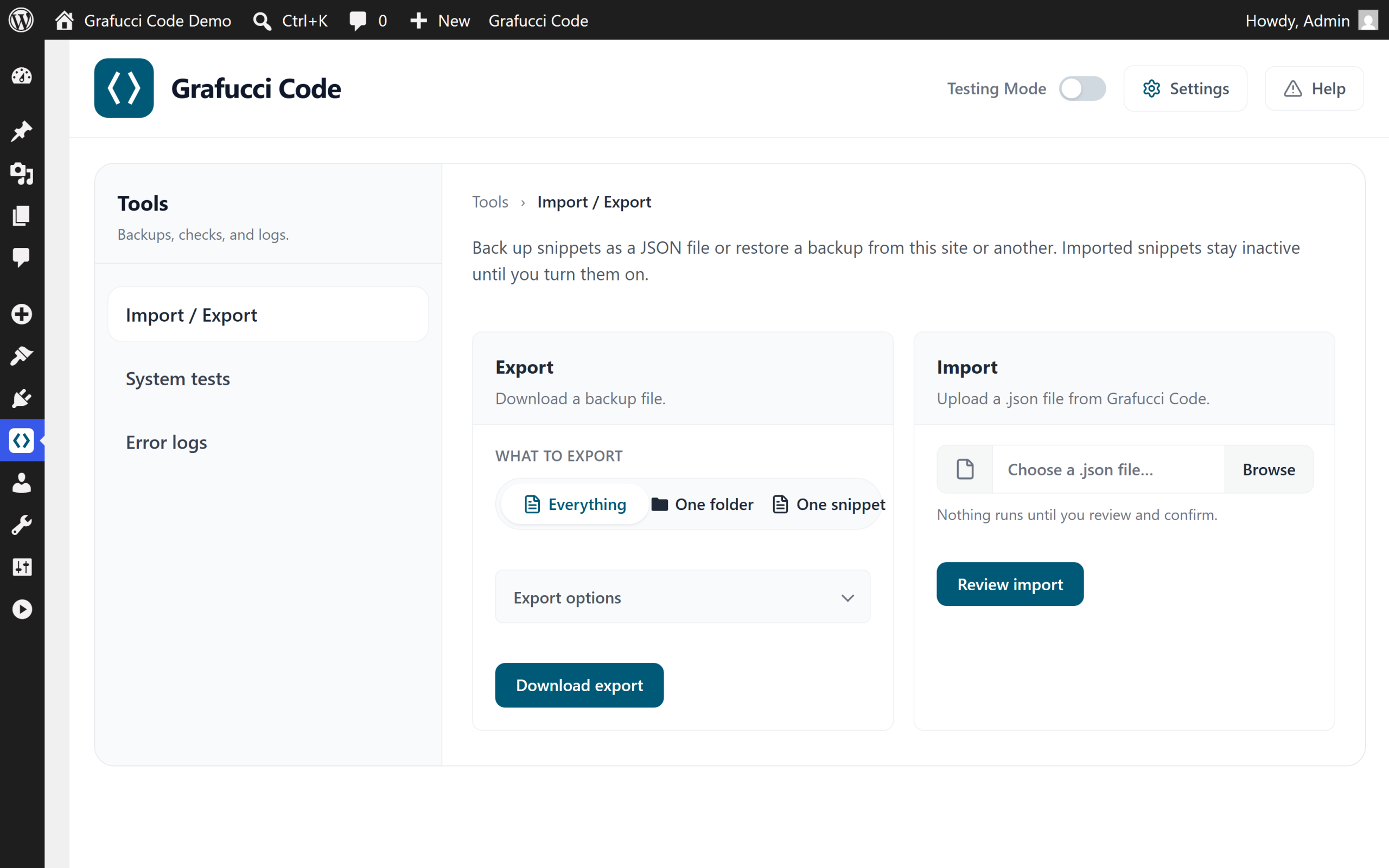
Go to Grafucci Code → Tools for import and export actions.
-
Backup everything
Export the full library including folders and snippet metadata.
-
Backup one folder
Export a single folder when moving one client project.
-
Backup one snippet
Export an individual snippet for sharing or ticket attachments.
-
Import
Upload a backup file on the destination site. Imported PHP snippets stay inactive until you review and activate them. GitHub and license settings are not included in export files.
Warning
- Importing on production without a backup can overwrite live snippets. Export first.