Safe mode
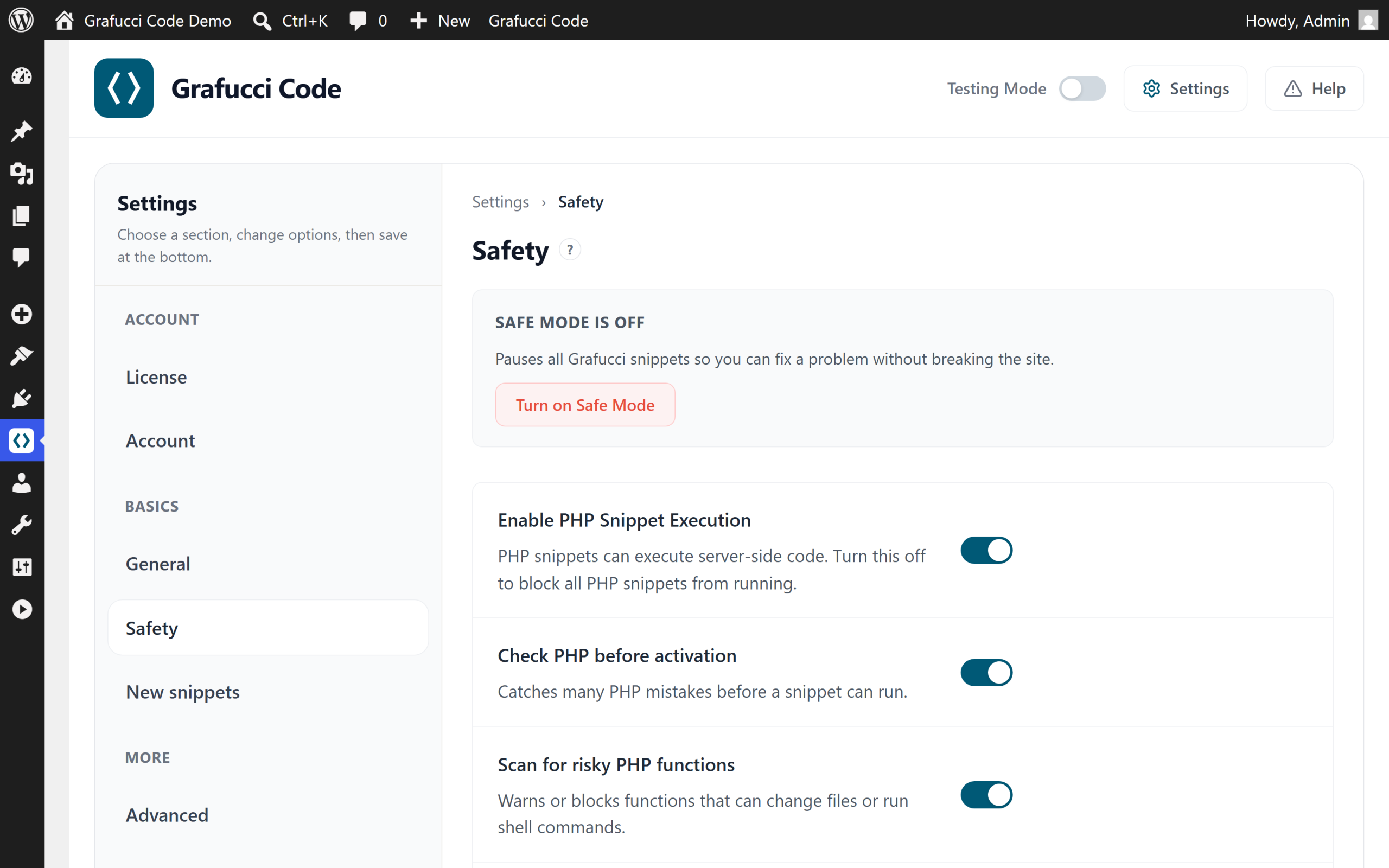
Safe Mode is a recovery tool — not always on. It pauses snippet execution after fatal errors so you can fix the problem without FTP.
When a snippet causes a fatal error, Grafucci Code can pause snippets and surface Safe Mode in the admin. A daily site health loopback check (Settings → Safety) can also detect failures and trigger Safe Mode or email alerts.
Recovery
- Open Grafucci Code and identify the failing snippet via Tools → Error logs
- Deactivate or fix the snippet
- Exit Safe Mode when the site is stable
- Use the emergency recovery URL from Settings → Safety if you cannot reach wp-admin normally