
Your first snippet
Create a small snippet, save it, and activate it when you are ready.
-
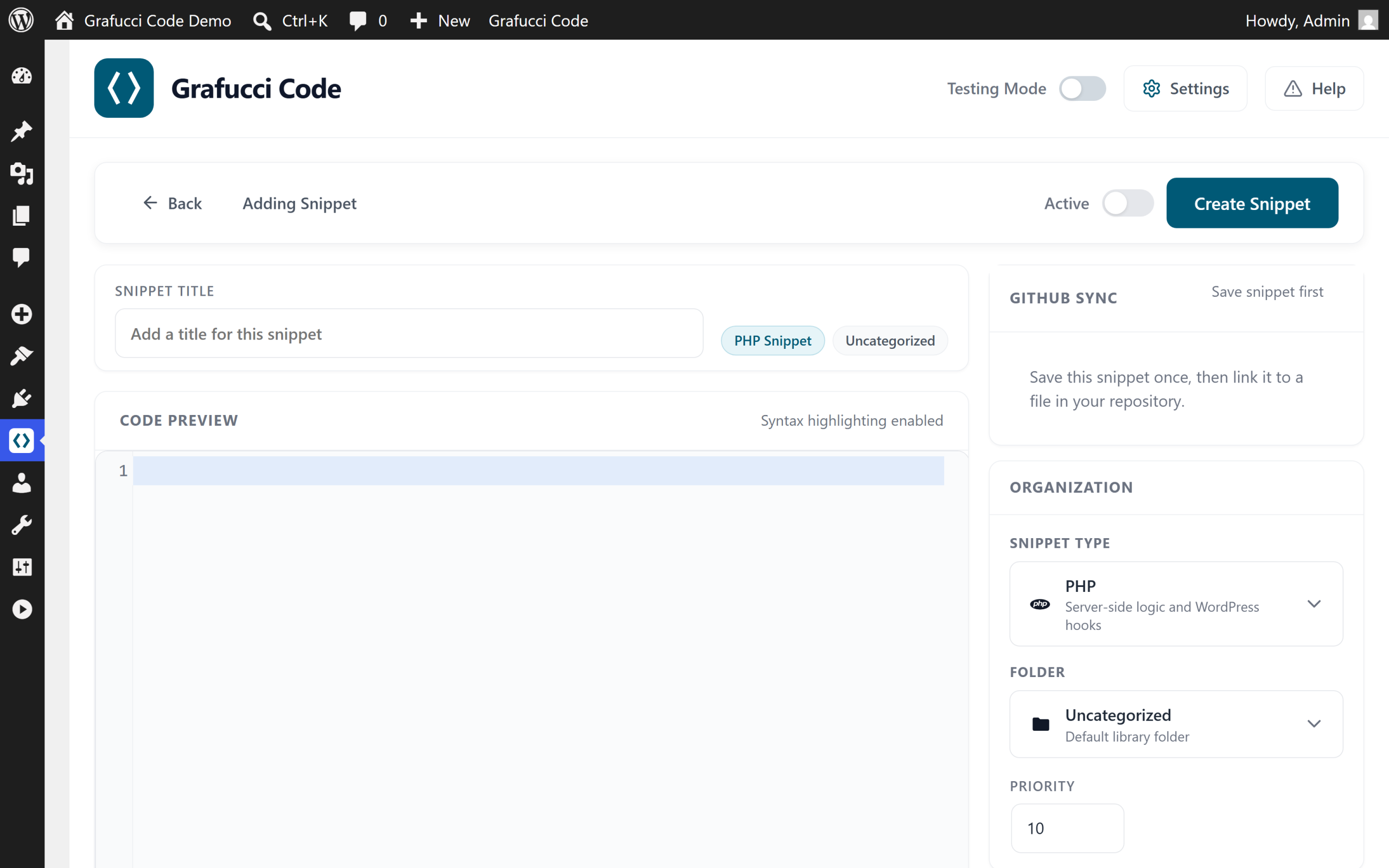
Click Add New
From the dashboard or All Snippets, open the snippet editor.
-
Name the snippet
Use a clear name you will recognize later, such as “Header tracking script” or “Checkout notice CSS”.
-
Choose a type
Pick PHP, CSS, JS, HTML, or Mixed depending on what you are adding.
-
Assign a folder
Optional but recommended. Folders keep client and feature work separated.
-
Write your code
Paste or write code in the editor. Syntax highlighting follows the selected type.
-
Save
Saving creates a version snapshot you can restore later.
-
Activate
Toggle Active when the snippet is ready to run according to its location rules.
Tip
- Start with CSS or HTML on a staging site before enabling PHP.